Scanning with SafeMom: Your Secret Weapon for Pregnancy-Safe Choices
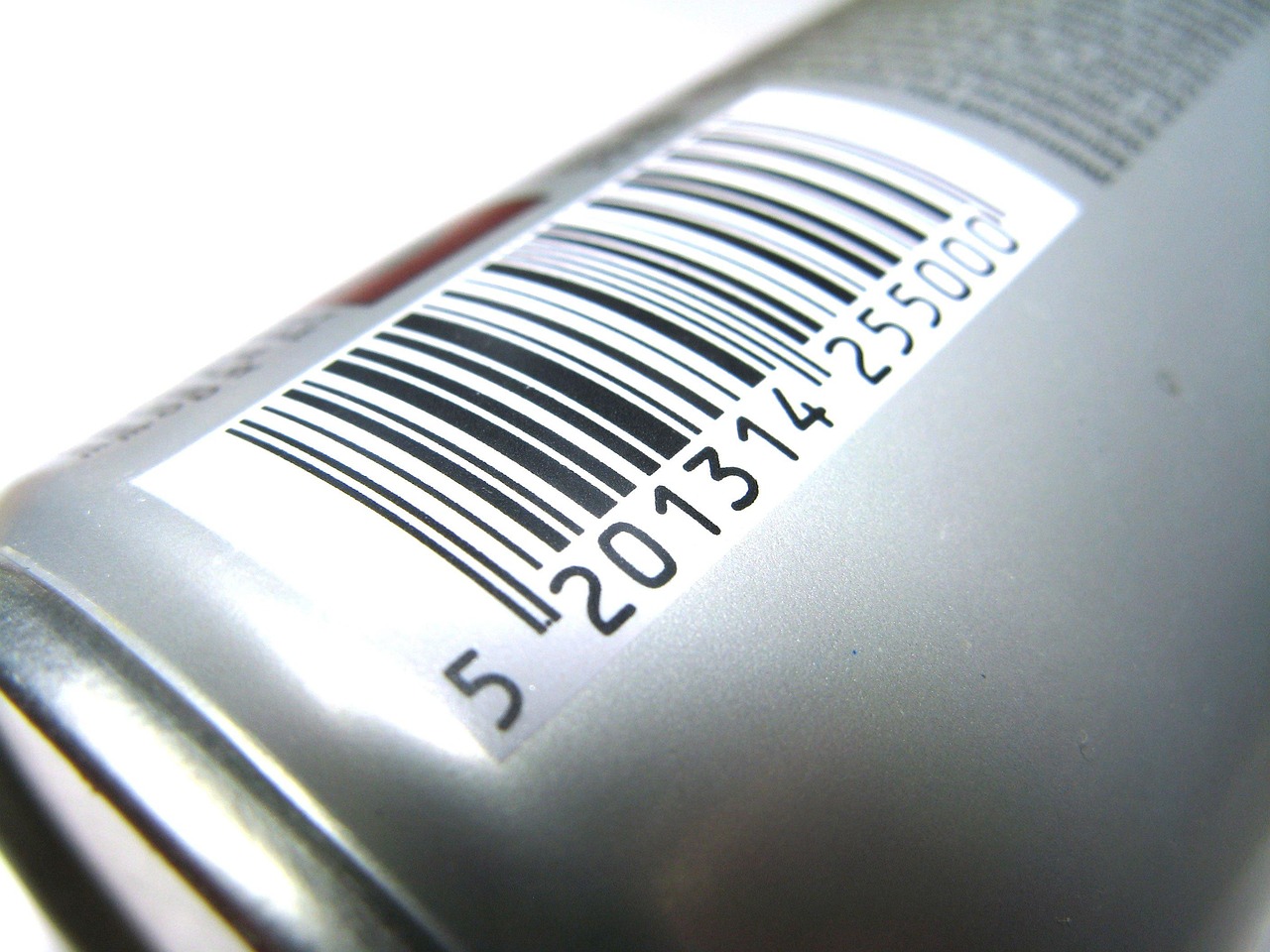
Navigating the world of skincare and beauty products during pregnancy can feel like deciphering a secret code. Suddenly, every ingredient list looks like a puzzle! That’s where your trusty SafeMom app swoops in, making it easier than ever to make informed choices. Our barcode scanner is designed to be your quick-check superpower, giving you instant insights into whether a product is a green light, a yellow light, or a red light for your pregnancy journey.
But like any superpower, a little know-how goes a long way to ensure you’re getting the most accurate information every single time. Sometimes a scan might not work perfectly, and that’s totally normal! Don’t fret. We’re here to share our top SafeMom scanning tips to help you master the art of the perfect scan and decode those labels like a pro.
Decoding Labels: Common Reasons Your Scan Might Miss a Beat
Ever scanned a product only to get an error message or a completely different item? You’re not alone! Here are some common culprits behind a tricky scan:
- Tricky Lighting: Too dark, too bright, or a glare reflecting off shiny packaging can make it hard for your phone’s camera to “read” the barcode accurately.
- Barcode Blues: Smudged, torn, or very small barcodes can be tough to pick up. Barcodes on curved surfaces can also pose a challenge.
- Packaging Updates: Brands sometimes update their packaging or even reformulate products without changing the product name. This can mean the barcode you’re scanning might be linked to an older version in our database.
- Multi-Packs vs. Singles: If you’re scanning a product that came in a multi-pack, make sure you’re scanning the individual item’s barcode, not the outer box’s barcode (unless you’re checking the multi-pack itself!).
- Regional Variations: Products sold in different countries can sometimes have the same name but different formulations and barcodes.
Pro Tips for Picture-Perfect Scans Every Time
Ready to level up your scanning game? Follow these simple SafeMom scanning tips for smoother, more accurate results:
- Light It Up: Find a spot with good, even lighting. Natural light is often best! Try to avoid direct overhead lights that cast shadows or strong glares that bounce off the packaging.
- Steady Hand, Clear Shot: Hold your phone steady and position the barcode clearly within the scanning frame. Try to keep your phone parallel to the barcode.
- Fill the Frame (Just Enough!): Ensure the barcode takes up a good portion of the scanning window without being cut off. You don’t need to zoom in super close, but make sure it’s not tiny in the frame either.
- Clean Your Lens: This might sound obvious, but a smudged camera lens can make barcodes look blurry to your phone. Give it a quick wipe!
- Verify the Product Name: After a successful scan, always do a quick double-check. Does the product name and image displayed in the SafeMom app truly match the product you’re holding? If not, move on to a manual search.
- Scan the Actual Product: If a product comes in an outer box, always try to scan the barcode on the actual product container itself (e.g., the bottle, jar, or tube), not just the box.
Product Not Found? Here’s Your Next Move!
So, you’ve tried all the scanning tips, and your product still isn’t showing up, or the app is pulling up the wrong item. Don’t worry, your journey to pregnancy-safe skincare isn’t over! This is where your inner detective comes out. A “product not found” message usually means it’s a super new item, a niche brand we haven’t added yet, or a regional variation. Your next step is a quick and easy manual search.
Beyond the Scan: Manual Search & Reporting Missing Products
When the scanner needs a little backup, the manual search feature is your best friend:
- Manual Search: Tap the search icon in the SafeMom app and type in the brand name and product name (e.g., “The Ordinary Niacinamide Serum”). Often, this will bring up the exact product you’re looking for.
- Ingredient Decoder: If you’re still having trouble, or if you just want to double-check the ingredients yourself, head straight to the ingredient list on your product’s packaging. Look for the “Ingredients” or “INCI” (International Nomenclature of Cosmetic Ingredients) list. You can then use SafeMom’s ingredient search feature to look up individual components.
Here are some common ingredients you might spot and their general guidance:
- Avoid: Retinol, Retinoids, Hydroquinone
- Caution: Salicylic acid, Benzoyl peroxide, Glycolic acid, Essential oils
- Safe: Hyaluronic acid, Niacinamide, Vitamin C, Bakuchiol, Azelaic acid, Zinc oxide
For any other ingredient you’re curious about, simply pop it into the SafeMom app’s ingredient search, or scan the product directly to see its full breakdown. We’re always adding more ingredient insights!
Reporting Missing Products: If you’ve tried scanning and manual searching and still can’t find your product, you can help us grow our database! There’s usually an option within the app to report a missing product. This sends us the info, and our team gets to work researching and adding it, helping countless other moms-to-be.
Keeping Your SafeMom App Happy & Healthy (Updates!)
Just like you keep yourself updated on all things pregnancy, it’s a great idea to keep your SafeMom app updated, too! App updates often include:
- New Products & Ingredients: We’re constantly adding new products and expanding our ingredient database to keep you in the know.
- Improved Scanning Technology: Updates can enhance the scanner’s ability to read barcodes more accurately and quickly.
- Bug Fixes & Performance Boosts: These make your app experience smoother and more reliable.
Head over to your device’s app store (Apple App Store or Google Play Store) regularly to check for and install any available SafeMom updates.
Got a Question? We’re Here to Help!
We hope these SafeMom scanning tips make your pregnancy skincare journey a breeze! Remember, the SafeMom app is here to empower you with knowledge and confidence. If you ever have a question about how to use the app, run into a persistent scanning issue, or just need a little extra guidance, don’t hesitate to reach out to our support team through the app’s help section or FAQ. We’re always here to support you!
SafeMom is informational, not medical advice — check with your provider.